Claude Code Usage Guide
Install Latest Claude Code
Install the latest version of Claude Code (current: v2.0.76).
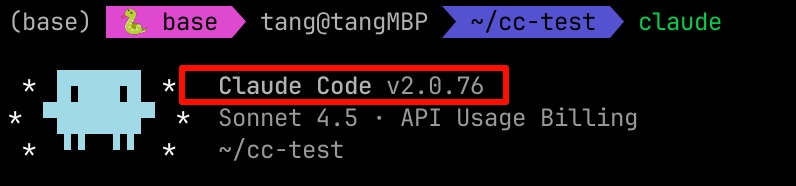
Mac installation command
curl -fsSL https://claude.ai/install.sh | bash
Configure Claude Code (pointing to OPEAI Platform)
Modify ~/.claude/settings.json:
{
  "env": {
    "ANTHROPIC_AUTH_TOKEN": "sk-xxxx",
    "ANTHROPIC_BASE_URL": "https://api-platform.ope.ai",
    "ANTHROPIC_DEFAULT_HAIKU_MODEL": "Claude-Haiku-4.5",
    "ANTHROPIC_DEFAULT_OPUS_MODEL": "Claude-Opus-4.5",
    "ANTHROPIC_DEFAULT_SONNET_MODEL": "Claude-Sonnet-4.5",
    "ANTHROPIC_MODEL": "Claude-Sonnet-4.5"
  }
}
Note: Use your own key for
ANTHROPIC_AUTH_TOKENand avoid exposing the real token in screenshots/logs.
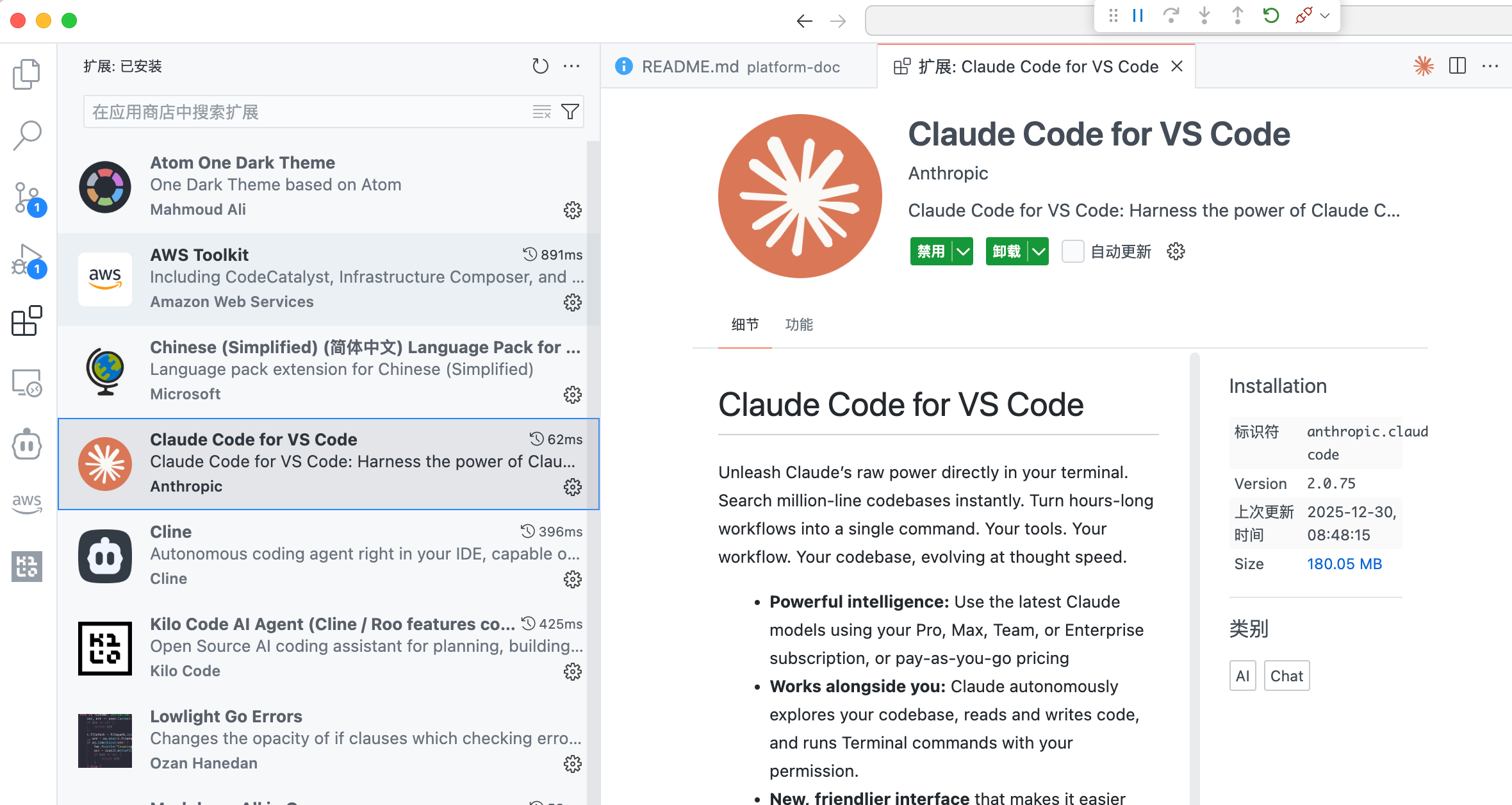
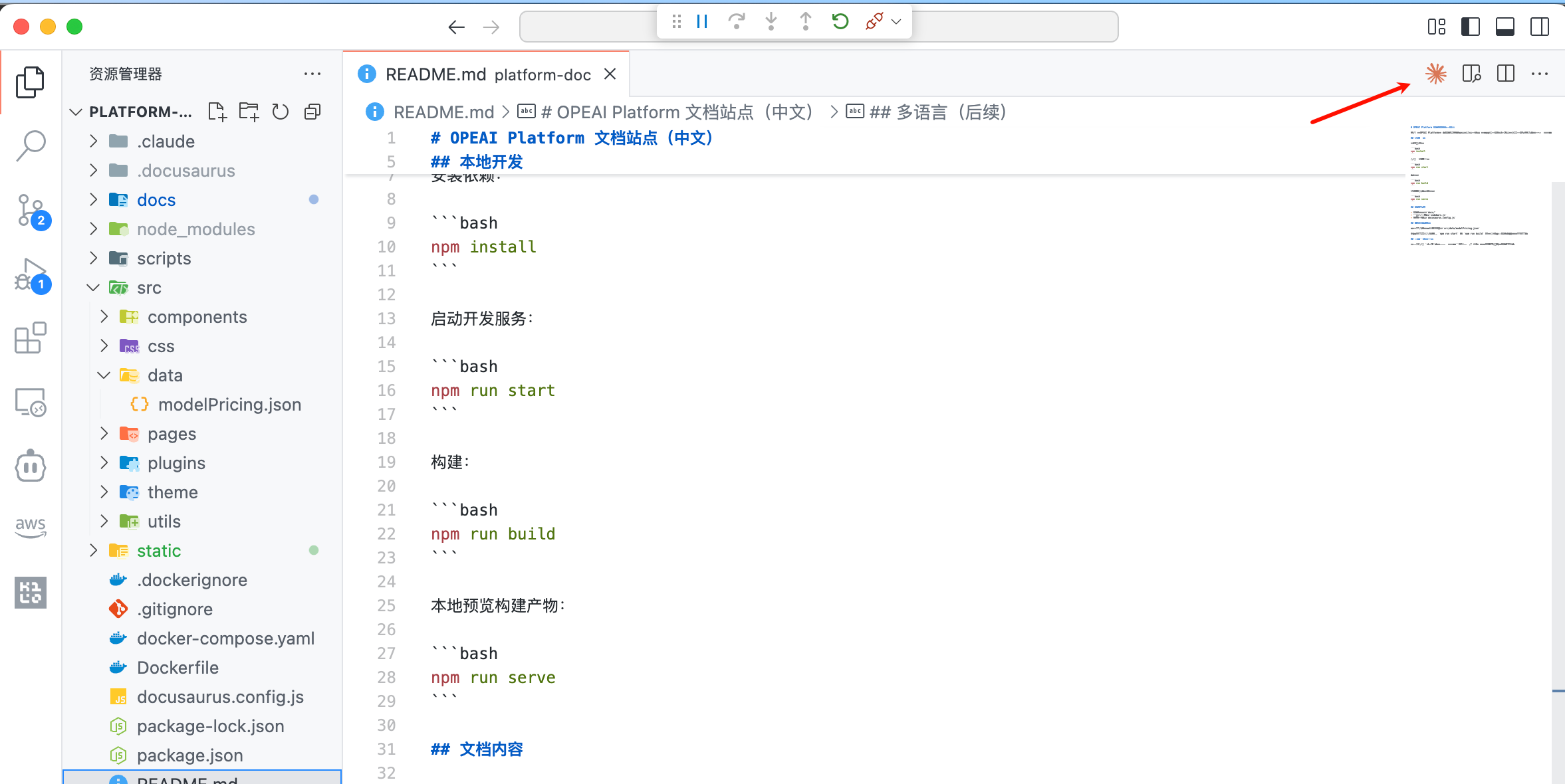
Using in VSCode
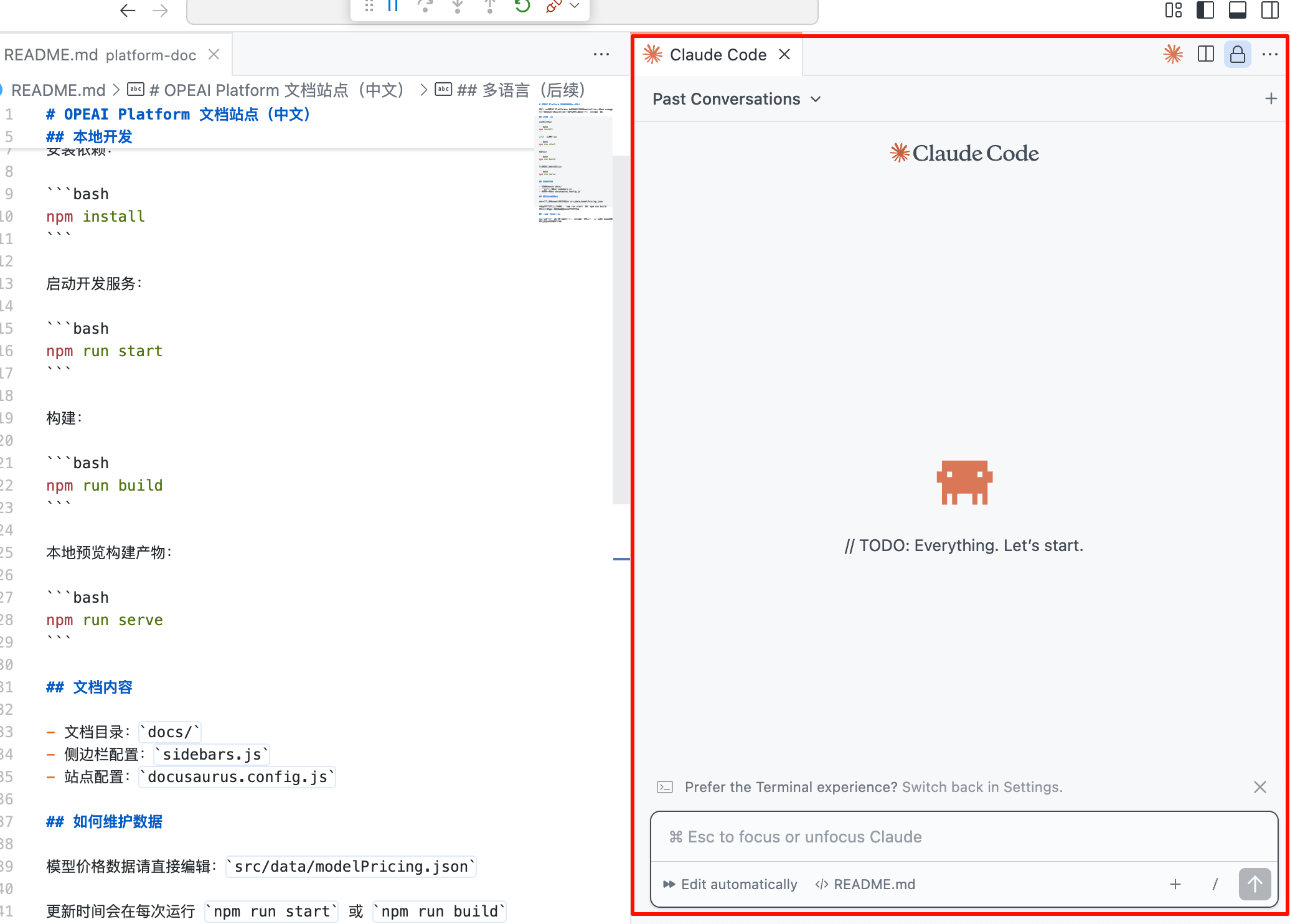
Command Line Mode
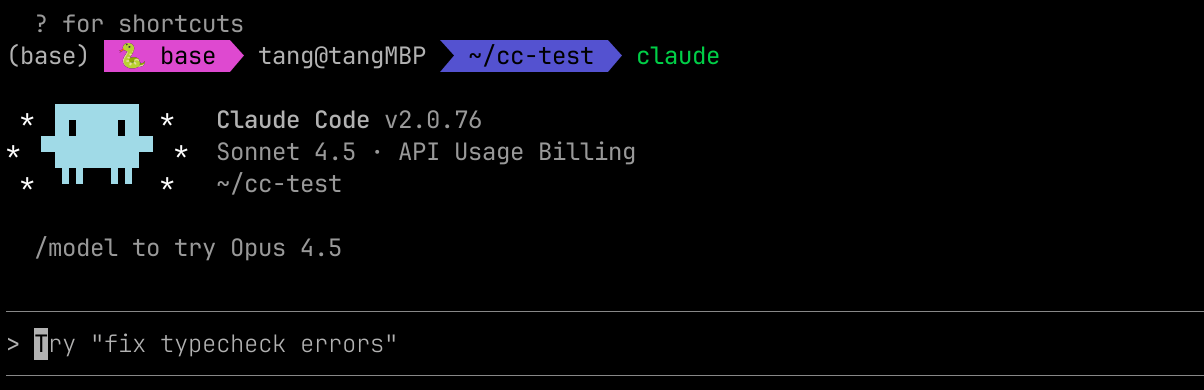
You can also run claude directly in the command line.